ResidentsPay your rentMaintenance request
Online portal

Your portal, your way

The online portal is run by Compass Property Management, which manages One Loop Apartments. Use it on a computer, or download the app and use it on your phone. New to the portal? Follow the sign-up guide. If you cannot log in, call the office at (314) 590-3135.

Pay your rentMaintenance request
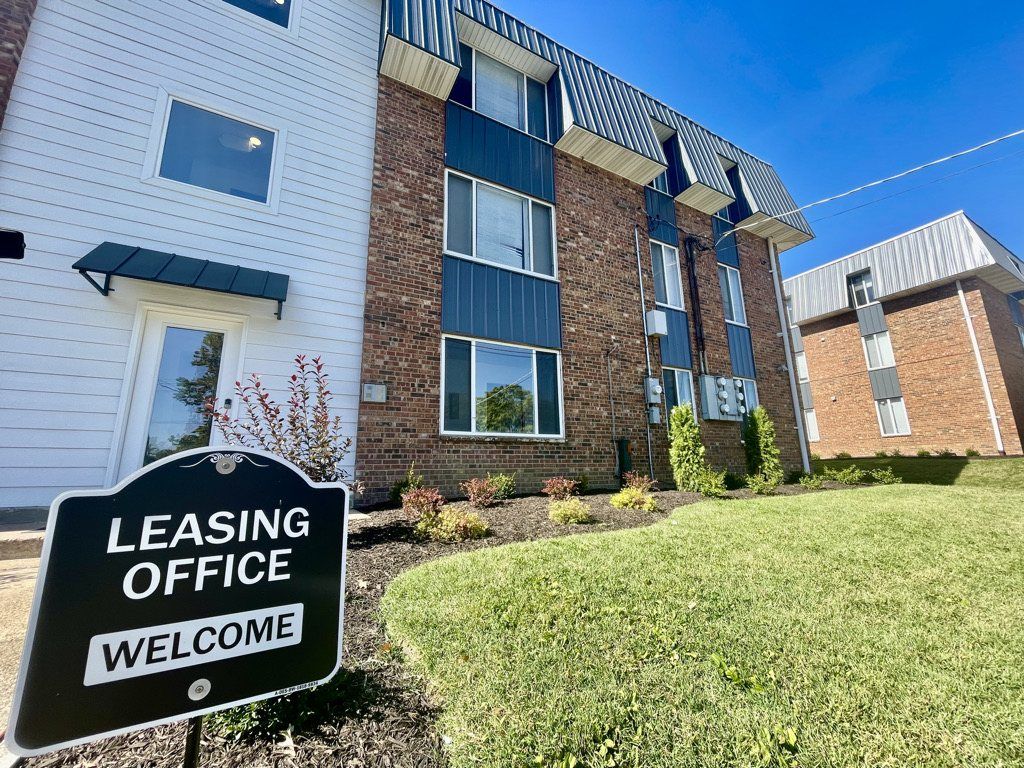
One Loop leasing office welcome sign

Resident contacts

Online portalLog in
Leasing office(314) 590-3135
Office hoursTue to Sat, 9 am to 5 pm
Application requirementsView
DocumentsView

What you can do in the portal

Pay rent

Pay your rent online and set up automatic payments so it is never late.

Submit maintenance requests

Send a request any time. It goes straight to the maintenance team.

Message the office

Send the management office a message whenever you need to.

Renters insurance

Upload proof of your coverage, or buy a policy through the portal.

Download the Online Portal app

Download on the App StoreGet it on Google Play

Resident resources

Guides from Compass Property Management.

Not seeing what you are looking for? Contact Compass

Questions

How do I pay my rent online?

Log in to the online resident portal and choose the payment option. You can also set up automatic payments there.

How do I submit a maintenance request?

Log in to the online resident portal and submit a maintenance request. It goes directly to the maintenance team.

Is there an app for the resident portal?

Yes. The Online Portal app by AppFolio is available on the App Store and on Google Play.

Who do I contact about my account?

Call the One Loop leasing office at (314) 590-3135 or email oneloop@compassmgt.com. The office is open Tuesday to Saturday, 9 am to 5 pm.

Keep exploring

1st month free →